Elara StarTech.com Dual Monitor USB C Docking Station With 60W Power Delivery For Windows Laptops USB C To HDMI / DVI Dock USB 3.1 Gen 1 Type C Dock With
Overview
Range/Series Overview
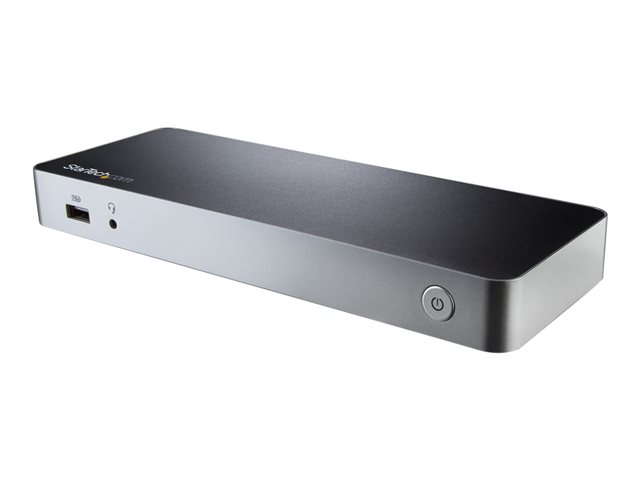
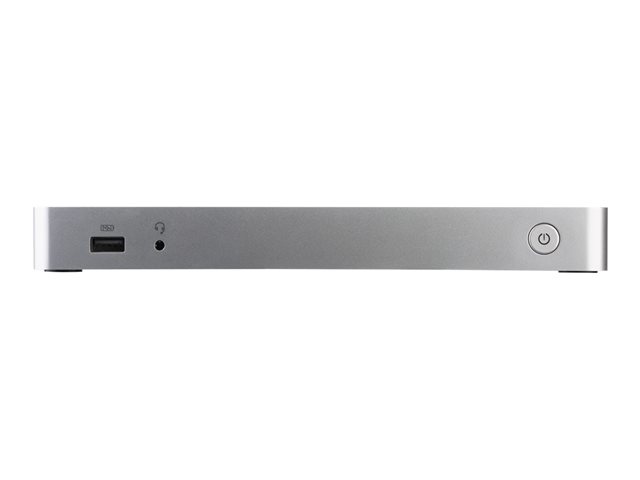
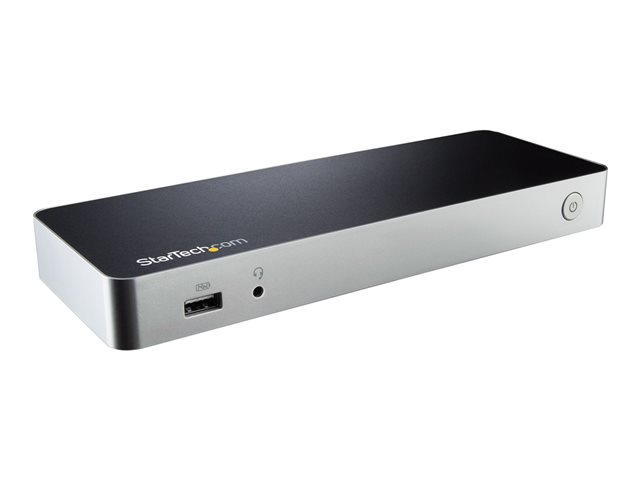
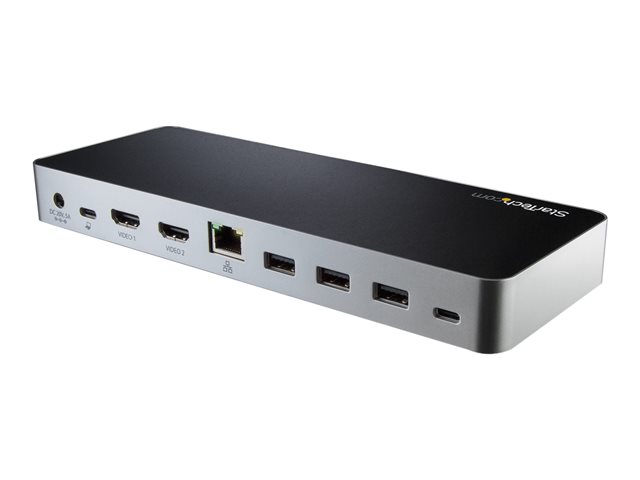
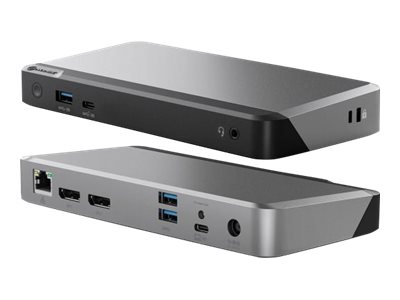
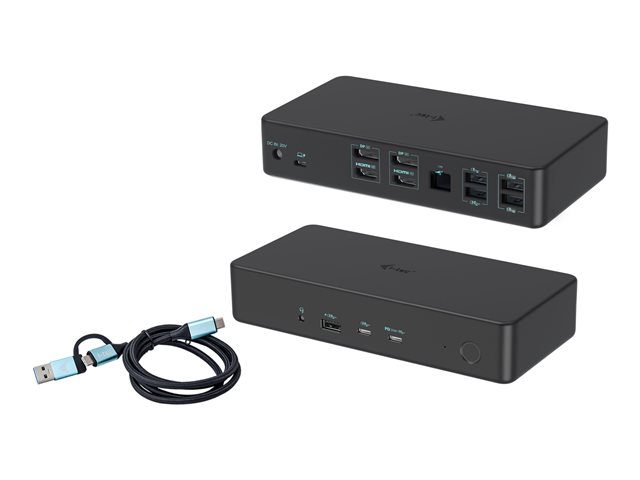
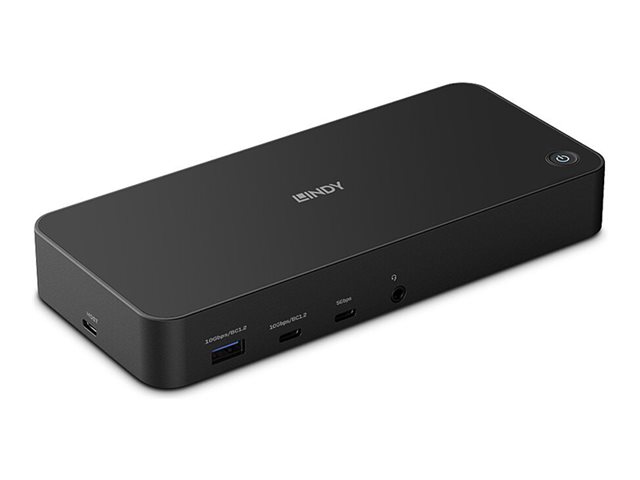
IMPORTANT: This Range/Series overview section describes the range of which this product belongs. Features of different versions might be mentioned and may not apply to the specific product on this page. Please view Specs for specification of product.Laptop Docking Station | 60W PD | Dual HDMI/DVI | No Display Driver Setup. Enhance your productivity by turning your Windows USB-C laptop into a full-scale workstation. This dual-monitor USB-C dock lets you easily connect two HDMI monitors or DVI monitors (with included adapters) using one USB-C cable, with no setup of display drivers required, right out of the box. The USB-C dock provides 60W charging power, and five USB 3.0 ports to connect devices. With easy dual-monitor setup, the dock is ideal for wide-scale use in office workstations.Create a Dual-Monitor WorkstationThe USB-C dock lets you connect dual monitors with flexible options. Connect to:2x HDMI or 2x DVI displays at 1920 x 1200p @ 60Hz1x HDMI + 1x DVI displayYou can also connect a single 4K HDMI display.Connect More DevicesUnlike some USB-C docks that may drop to USB 2.0 and limit Ethernet performance, this USB Type-C dock offers full USB 3.0 and network bandwidth. This provides faster data transfer speeds when using your USB 3.0 peripherals and supports true Gigabit Ethernet network throughput.This USB Type-C docking station gives you five USB 3.0 ports (1x USB-C and 4x USB-A including 1x Fast-Charge), a Gigabit Ethernet port (PXE Boot support), plus audio and microphone connections.60W Charging PowerThe USB-C docking station with Power Delivery will power and charge (up to 60W) your laptop, while powering your devices.Fast, Easy SetupThe dock features automatic driver installation for easy setup. It works with Windows based laptops with a USB-C port that supports DP Alt Mode and USB Power Delivery.The MST30C2HHPDU is backed by a StarTech.com 3-year warranty and free lifetime technical support.Notes:Ensure your laptop's drivers, firmware, and operating system are current prior to using the docking station.Video output capabilities depend on the video card and hardware specifications of the connected laptop.Not all USB-C ports support the full functionality of the USB Type-C standard. Ensure that your laptop's USB-C port supports DP Alt Mode and USB Power Delivery for the full functionality of the USB Type-C standard.Not all Thunderbolt 3 USB-C ports support the full functionality of the Thunderbolt 3 standard. Ensure that your laptop Thunderbolt 3 port supports USB Power Delivery.