Description
Elara PowerChute Network Shutdown (v. 5)
Overview
Range/Series Overview
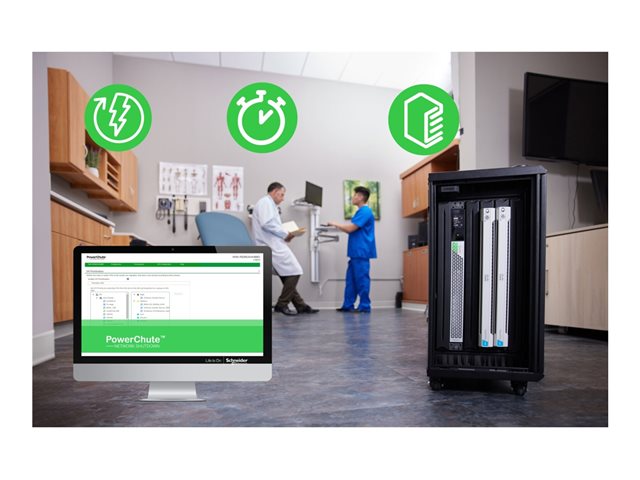
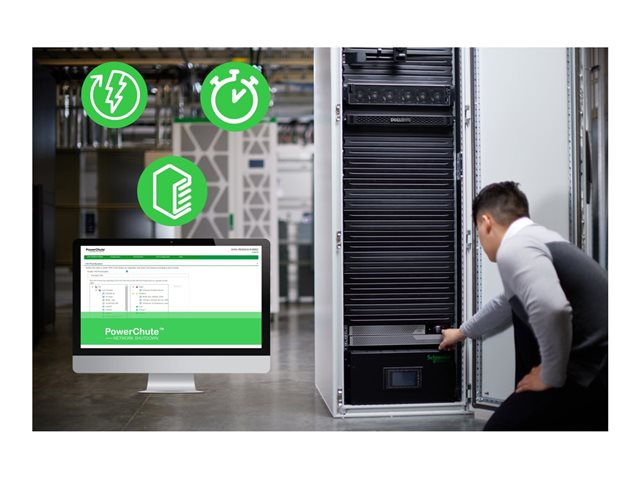
IMPORTANT: This Range/Series overview section describes the range of which this product belongs. Features of different versions might be mentioned and may not apply to the specific product on this page. Please view Specs for specification of product.3-year license for PowerChute Network Shutdown The license term starts on end-user activation Seamless integration with all the major Virtualization and HCI vendors In the event of a power disruption, PowerChute can gracefully shut down your clusters when protected by an APC UPS.Features Summary
- Event loggingPinpoint the timing and sequence of events leading up to an incident with the event log.
- PowerChute Network Shutdown OS compatibilityThis software supports numerous operating systems and processors.
- Parallel-UPS configuration supportRecognizes a Parallel-UPS configuration as a single UPS system in the case of actionable events (for UPS devices that are parallel-capable).
- Advanced redundant UPS setupsMonitors multiple groups of redundant UPSs; each with configurable redundancy levels such as N+1, N+2 or N+3. Shutdown actions depend on the number of UPS's and the level of redundancy in each UPS setup.
- Redundant-UPS configuration supportSupports up to four UPS's in a Redundant-UPS configuration. All UPS's in a Redundant Configuration must belong to the same UPS family.
- Network-based shutdownReduces cable clutter by eliminating the need to connect the UPS and protected servers via cables.
- Text-based INI configuration fileAllows for flexibility in archiving configuration settings or copying configured settings from one Agent to another.
- Step-by-step configuration wizardSpeeds deployment by reducing installation and set-up time. Allows configuration changes even after initial set-up.
- Browser accessibleView the user interface with a browser. Provides quick access from anywhere on a secure network.
- StruxureWare data center expert compatibilityDiscover and monitor PowerChute Agents via SNMP v1 or v3. Integrate SNMP Traps for timely notifications of UPS critical events.
- Network management system integrationDiscover and manage PowerChute machines by using SNMP v1 or v3 to query and configure PowerChute settings. Send SNMP Traps for critical UPS events ensuring timely notifications.
- Operating system shutdownPrevents possible data corruption by performing graceful, unattended operating system shutdown in the event of an extended power outage or computer power problem.
- Secure communicationsSecured web access via HTTPS, as the default, ensures that communication between the device and the client interfaces cannot be interpreted.
- Run command fileRun command file on network shutdown sequence as well as start-up sequence.
- Sequenced network shutdown and rebootCustomize network shutdown and reboot sequence of connected servers and UPSs.
- Sequenced server shutdownSequences the shutdown of multiple servers powered by the same UPS to extend runtime for higher priority servers.
- Virtual machine migration optionsTriggers virtual machine migration to available hosts in the same cluster on a single site or across different geographical locations. The option to control where specific virtual machines get migrated to is available by specifying the target host in either the same cluster or a different cluster.
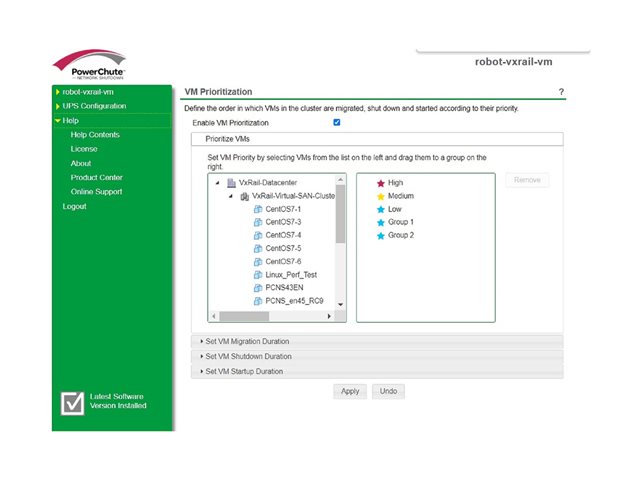
- Virtual machine prioritizationControl the order in which virtual machines are migrated, shut down and powered on by moving virtual machines into high, medium and low priority groups.
- Virtual cluster viewDisplays a graphical representation of your Virtual Cluster environment and UPS setup on a single screen to provide an intuitive view of your UPS and Host configuration.
- Virtual cluster supportSupports virtual machine migration, virtual machine shutdown and host shutdown in Virtual Clusters.
- Microsoft SCVMM integrationProvides the option to integrate with System Center Virtual Machine Manager (SCVMM) and leverage maintenance mode to migrate or save virtual machines when a critical UPS Event occurs.
- VMware vSphere plug-in optionsA vSphere plug-in option integrates PowerChute with vCenter Server for ease of management enabling PowerChute monitoring with the vSphere Client. Plug-in options are available for either the vSphere web client or vSphere desktop client.
- VMware virtual applianceProvides the option to deploy PowerChute as a virtual appliance for ease of installation.
- VMware vApp shutdownEnables shutdown and startup of VMware vApps to control the sequence of virtual machine shutdown/startup.